
1. Select the Profile tab in the top bar
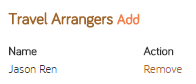
2. Find the Travel Arrangers section in the bottom left hand corner of the Profile. A list of colleagues who you have authorized to book travel and create expense reports on your behalf are listed here. Select the Add button to add a new arranger.
3. Enter the name or email address of the arranger and select Search. A list of results will appear under the Available travel arrangers section.
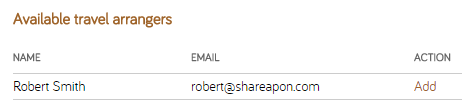
4. Select Add next to the name of each colleague you would like to make an arranger.